Nutrinomist — the multilingual platform for holistic professionals working online
Client portal

One branded home for every client.

Each client gets their own portal with your chat, video sessions, forms, protocols and shared files, in their own language, in the browser and in the Nutrinomist app.

  • Chat, video, forms and protocols in one place
  • In the client's language, any of 13
  • In the browser and in the iPhone and Android apps
Included from the Starter plan
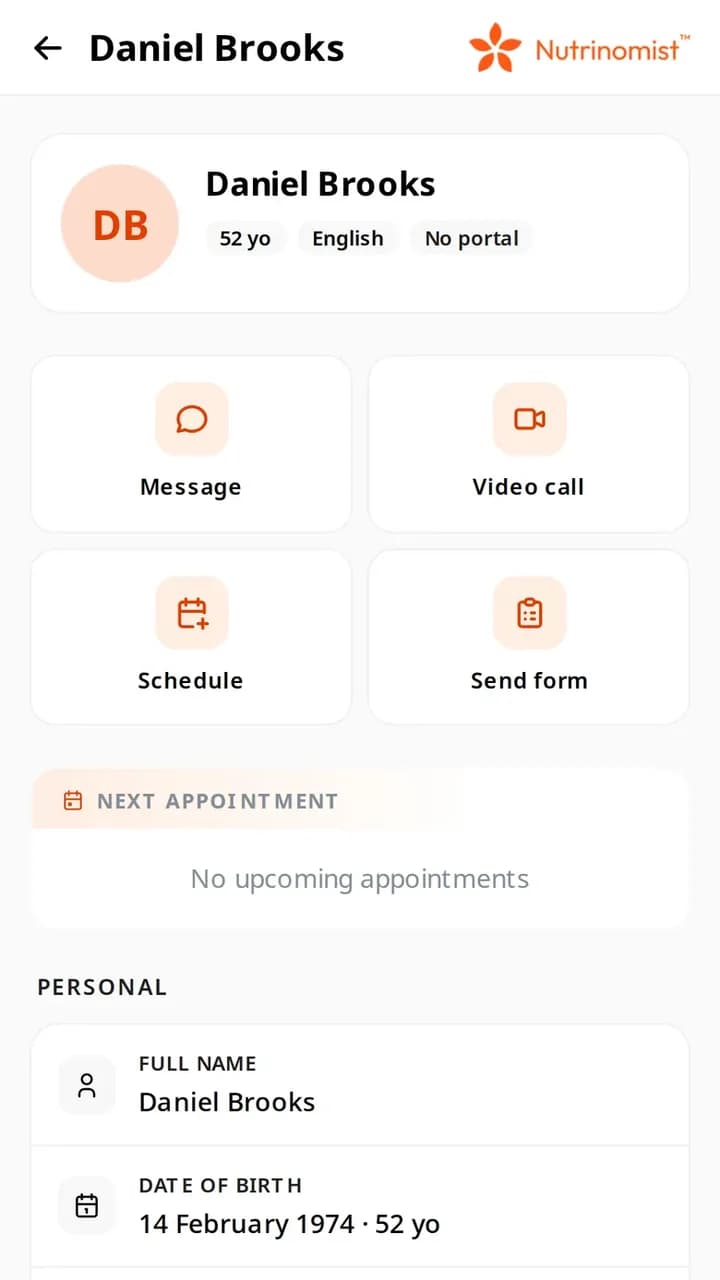
A client's record on a phone, with Message, Video call, Schedule and Send form, everything that reaches the client's portal
Use case

Everything a client needs, in one place

A client is a month into working with you. They have a protocol, two forms to fill in, a session next week and a question about their supplements.

Today

The protocol is a PDF in their email, the forms are links in another email, the session link is in a calendar invite, and the question goes to your personal WhatsApp. They ask you to resend things they can't find.

With Nutrinomist

They open their portal. The next session is at the top, the forms are waiting with their deadlines, the protocol is marked new, and the chat with you is one tap away, all in their own language.

What it does

Everything the client portal does, in detail

What your clients see, and how they get in. The client portal is included from the Starter plan.

Clients get in without your help

Invite a client from their record, or let them join through the link in your first message or session invitation. They set up their access once, with the email address you have for them.

  • Invite a client from their record
  • Or they join through the link in a chat email or a session invitation
  • They set up access once, with nothing to install
  • You get an email when they join

What it saves you: Walking clients through a sign-up.
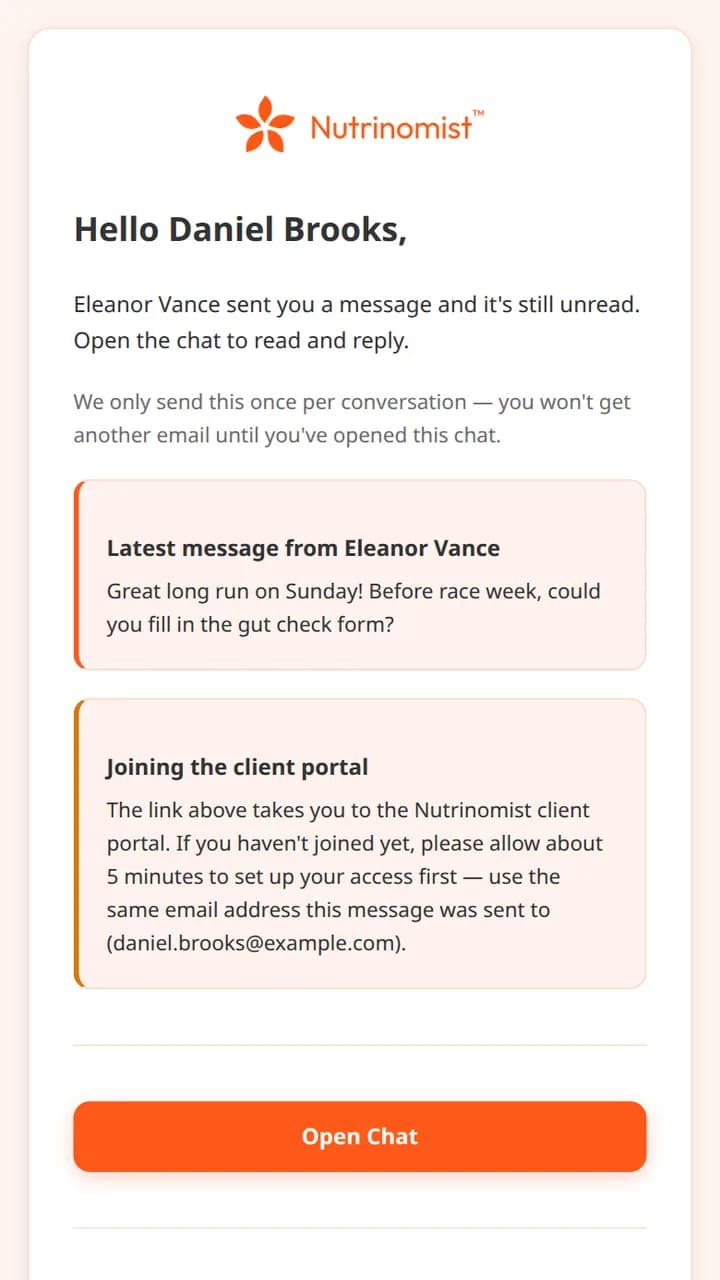
The email a client receives about an unread message, with a section on joining the client portal

A home page that shows what's next

When a client opens the portal, they see a greeting, their schedule and what is waiting for them, with your card beside it.

What it saves you: Messages asking when the next session is.

  • Their next appointment and their schedule for today or the week
  • Forms to complete, unread messages and new protocols at a glance
  • Your card, so they always know who they're working with

Forms waiting, with their deadlines

Clients see every form you've sent, when it is due and whether it's done. They fill it in in their own language, on a phone or a computer.

What it saves you: Resending form links that got lost in email.

  • Every form you've sent, with its status
  • When each form is due
  • In the client's own language
  • A reminder email before the deadline

Protocols and files, kept together

Protocols you send appear in the portal, marked new until the client opens them. Files you share are in the same place, instead of scattered across email.

What it saves you: Being asked to resend the protocol.

  • Every protocol you've sent, in one list
  • New ones are marked until the client opens them
  • Files you share with the client

Sessions and recordings

Clients join video sessions from their portal or the invitation email, check their camera first and wait until you arrive. Recorded sessions are there to watch back.

  • Join a session from the portal or the email
  • Camera, mic and speaker check before joining
  • Watch recorded sessions back

What it saves you: Sending a new link for every session.

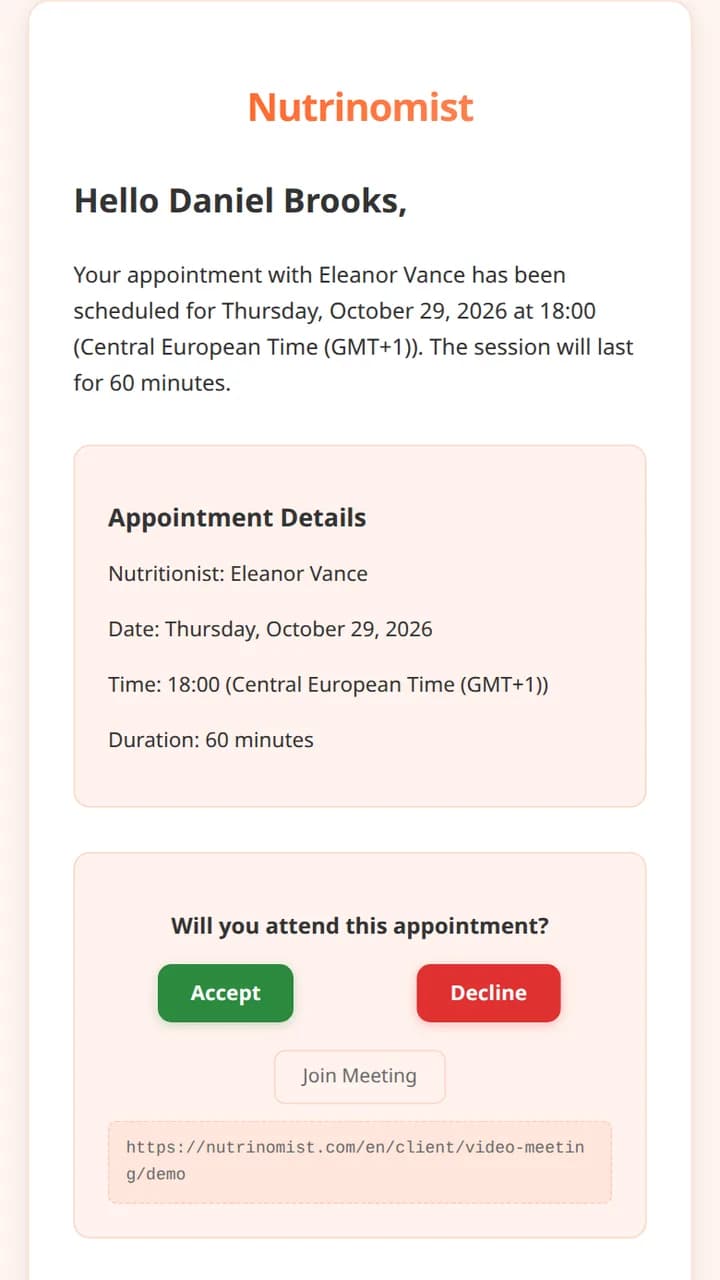
The invitation email a client receives for a session, with Accept and Decline and the join link

In their language, on their phone

Every portal screen follows the client's language, while you keep working in yours. Clients use it in any browser or in the free Nutrinomist app.

What it saves you: Translating instructions for clients abroad.

  • In any of 13 languages
  • Works in any modern browser
  • The free Nutrinomist app for iPhone and Android
  • Push notifications for new messages

How it works

1

Invite the client

Send a portal invitation from the client's record, or let them join from your first message or session invitation.

2

They set up access once

One email, one link, and nothing to install.

3

You send, they see

Forms, protocols, files and sessions appear in the portal as soon as you send them.

4

It comes back to you

Messages, completed forms and session answers land in the client's record.

Frequently asked questions

What do my clients see in the portal?

Their next appointment and upcoming sessions, your conversation, forms to complete, protocols, shared files and recorded sessions, all in their own language.

Do clients have to pay or install anything?

No. The portal is free for your clients and works in any modern browser. They can also use the free Nutrinomist app for iPhone and Android.

How does a client get access?

Send a portal invitation from the client's record, or the client joins through the link in your first chat message or session invitation. They set up their access once, with the email address you have for them.

Works even better together

Every Nutrinomist feature is built to hand work to the next one.

Give your clients one professional home

Invite your first client to the portal — it takes one click.