Nutrinomist — the multilingual platform for holistic professionals working online
For health coaches

Client management software for health coaches who run programmes

Coaching works in the days between calls, and that's where clients drift: Tuesday's plan is forgotten by Friday, and the check-in arrives on your personal WhatsApp. Nutrinomist gives each client one thread, a weekly check-in and a programme they bought from your page.

  • Programmes sold from your own page
  • A check-in thread for every client
  • A weekly form that shows the trend
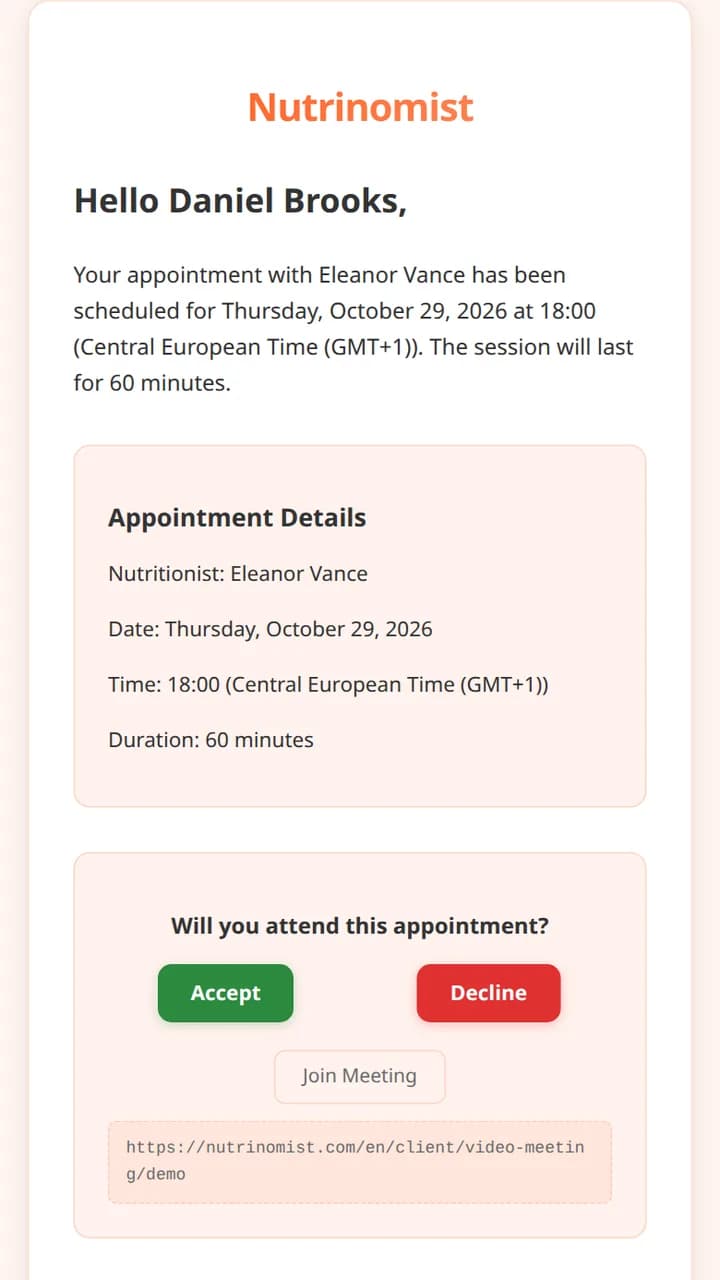
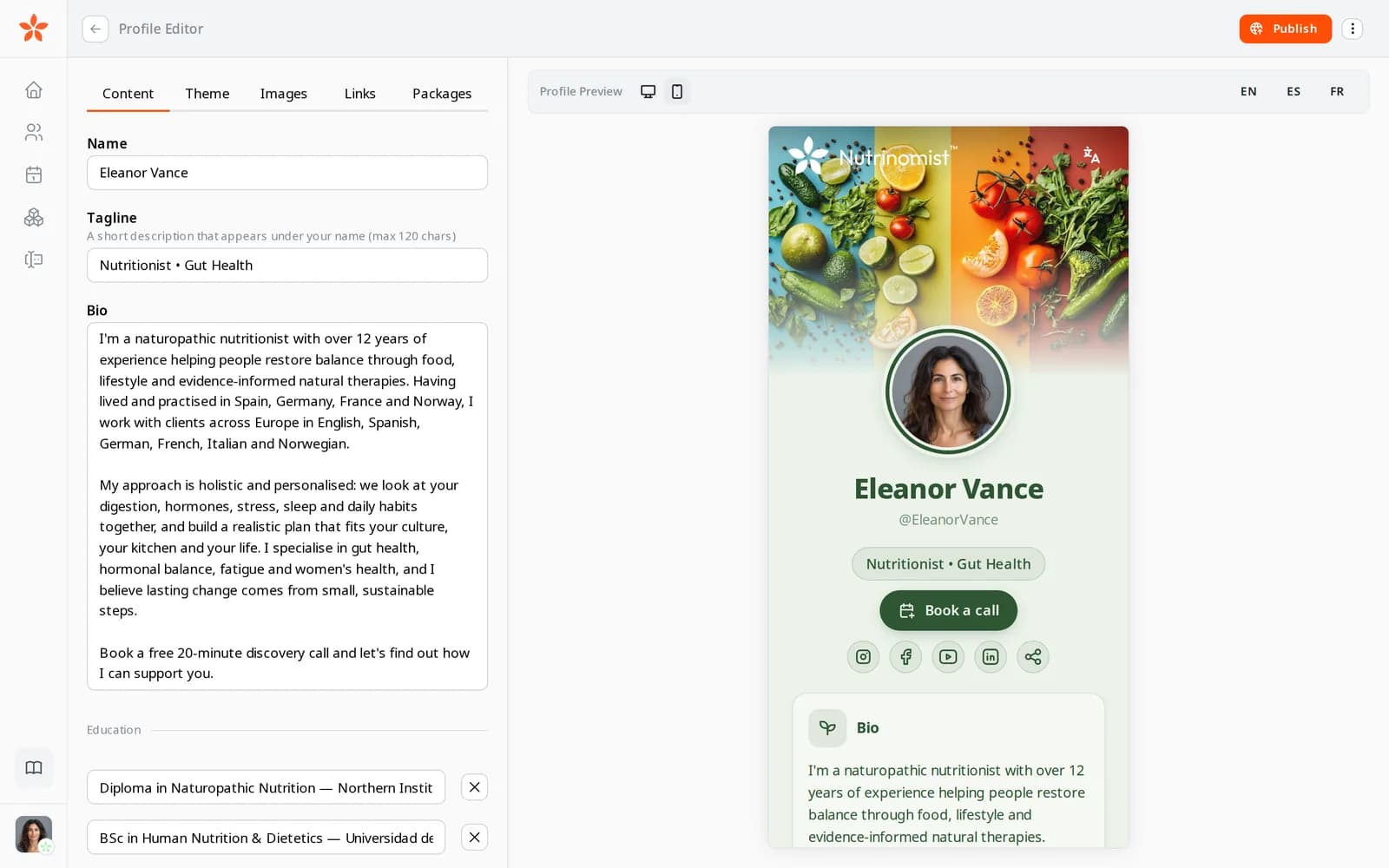
The profile editor with the phone preview of the page

What a health coach's week looks like

Momentum fades between calls

You agree three changes on the call. By the next one the client remembers one, and you only find out when you ask.

Check-ins on your personal phone

Clients message on WhatsApp and Instagram at all hours, and their history is spread across the apps you also use for family.

Selling one call at a time

New enquiries ask “how much?” in DMs, and each block of coaching ends with an awkward conversation about the next one.

In practice

Four workflows from a health coach's week

Each one starts from a moment in a typical week and shows the features it uses, what it changes for your business and the plan it needs.

On every plan

From the link in your bio to a paid three-month programme

Your Instagram bio links to your page at nutrinomist.com/yourname, with your story and a three-month programme: six calls, a weekly check-in and chat support. Someone ready to start pays by card through packages. Someone who isn't taps Book a call, suggests a time and leaves a message.

  • Card payments to your own Stripe account, with no Nutrinomist fee
  • Book a call adds a lead to your client list and emails you; you confirm the time
  • Your page and packages in each language your audience reads, filled in by AI

What it changes: You sell a programme instead of a single call, and nobody has to DM you to find the price.
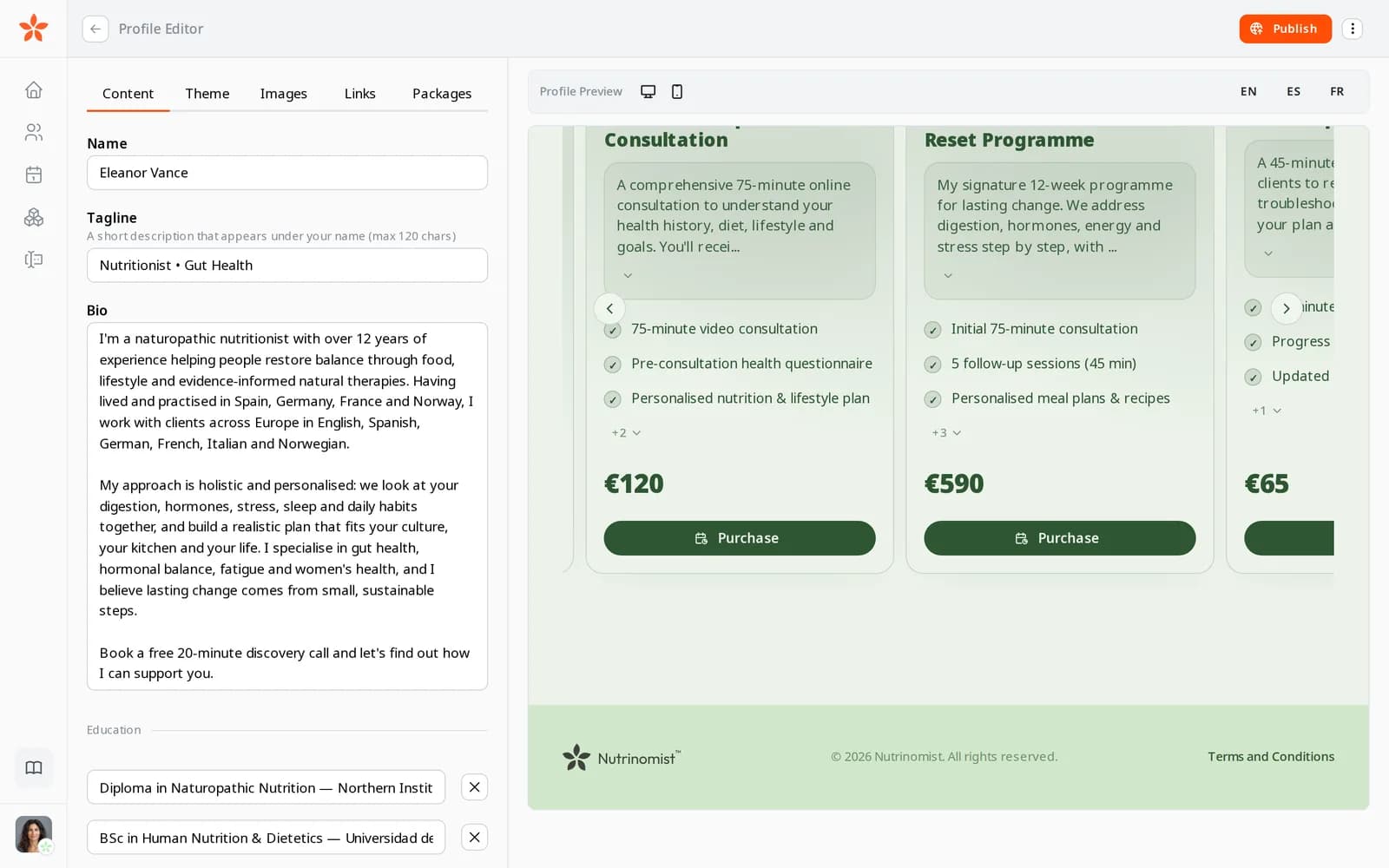
Three packages on a practitioner's page, each with what is included, its price and a Purchase button
From Starter

A check-in thread that isn't your WhatsApp

After each call you write the week's three changes into the client's chat. They reply with a photo of breakfast or a voice note from a walk, in the Nutrinomist app or the browser. You answer when it suits you, and the thread sits in their record next to their forms and plan.

  • Push notifications when a client writes, on your phone and theirs
  • Mute a conversation, or archive it when the programme ends
  • From Pro, voice notes arrive written out

What it changes: Clients have one place to check in between calls, and your personal phone goes back to being personal.

From Starter

A Sunday check-in form, with a column for every week

In the form builder you make a short weekly check-in: energy, sleep and stress as ratings, and one open question about the hardest moment of the week. You send it from the chat with a deadline. Each week you import the answers into the client's worksheet as a new column, with the first week pinned as the baseline.

  • Ratings, choices and open questions, one page at a time
  • A deadline, and a reminder email if it isn't done
  • Star the questions you track and show only those

What it changes: You open each call knowing how the week went, and at the end of the programme the change since week one is on one screen.

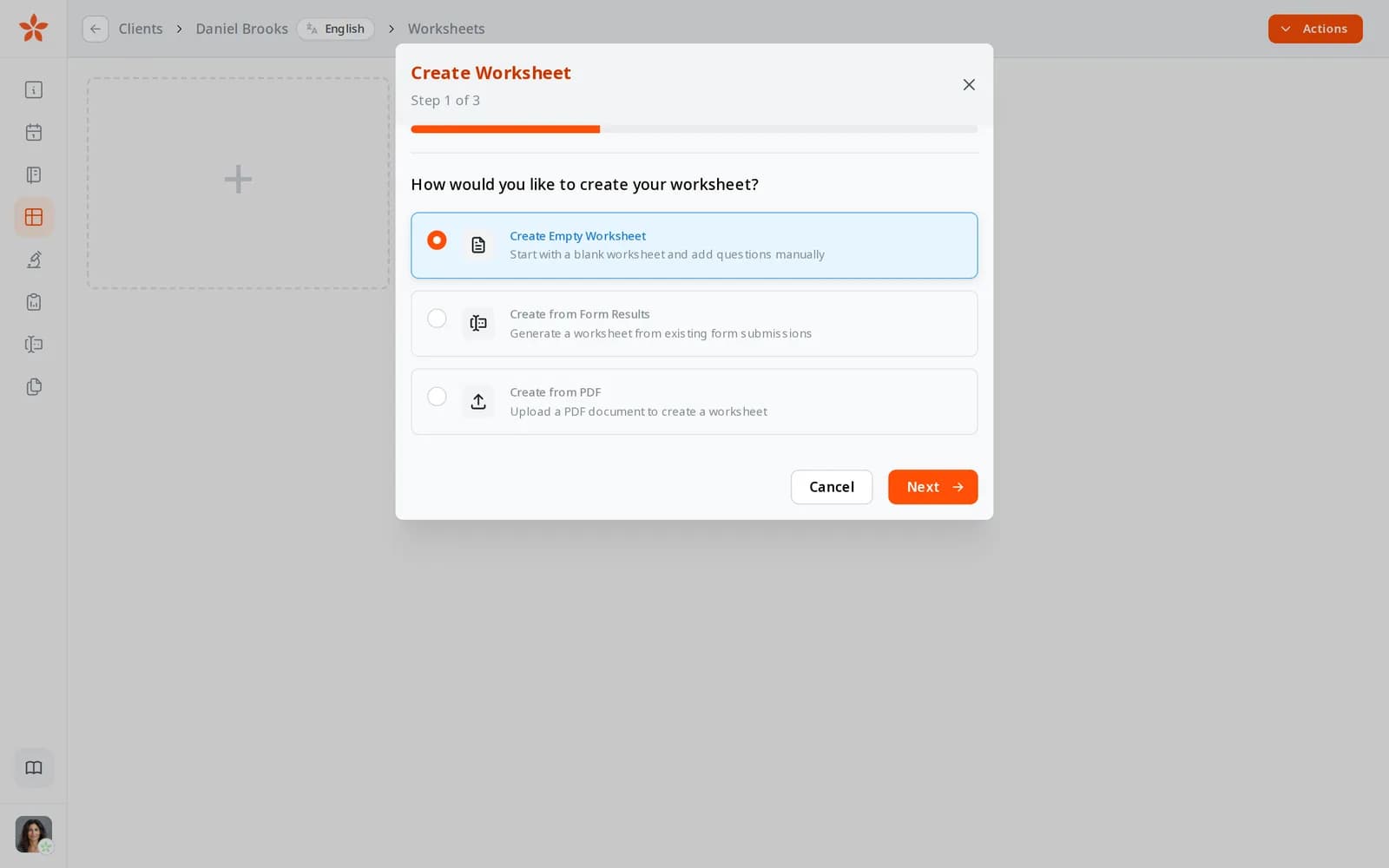
Creating a worksheet: start with an empty worksheet, from form results or from a PDF
From Starter

A monthly group call for everyone in the programme

Once a month you hold a group Q&A. You create one appointment in the calendar, add the clients and switch on the video room. Each client gets an invitation in their language, accepts in one click and gets a reminder with the join button.

  • Several clients in one session
  • Each client sees the time in their own time zone
  • Nothing to install, and no Zoom account

What it changes: One hour of your time reaches the whole group, without pasting a link into every chat.

The invitation email a client receives, with Accept and Decline buttons

A health coach's first week on Nutrinomist

Your page and packages are on every plan. Chat, video and check-in forms start on Starter.

1

Day 1: your page

Write your story, add your programme with its price, and publish nutrinomist.com/yourname. Put the link in your bio.

2

Day 2: payments

Connect your Stripe account, or choose a payment link or manual payment for each price.

3

Day 3: your check-in form

Build the weekly check-in from ratings and one open question, and add the languages your clients read.

4

Days 4 and 5: your current clients

Add them and send each a first message. It invites them to your client portal, and the thread is waiting when they arrive.

Questions health coaches ask

Do my clients need to download an app?

No. From Starter, the client portal works in any browser, and clients can also use the free Nutrinomist app for iPhone and Android, with push notifications for new messages.

Can I run group programmes?

You can invite several clients to one video session and send the same form to several clients at once. Each client has a one-to-one chat with you; group chat isn't part of the current plans.

How do clients pay me?

You choose for each price: by card through your own Stripe account, through a payment link you already use, or by arrangement, where you mark the order paid. Nutrinomist takes no fee; Stripe's standard fees apply to card payments.

Do clients who finished a programme count towards my plan?

No. A client counts as active for 30 days after you last message them, send them something or book them; a message from an active client restarts the 30 days. Free covers up to 5 active clients, Starter up to 25, and Pro has no limit.

The features behind these workflows

Each feature page goes into the detail, plan by plan.

Give the week between calls a home

Publish your page and first programme today, free. Add chat and weekly check-ins on Starter.